Data that makes sense
Choose by how you use your phone. Data estimates help guide your choice.
Travel eSIM app for iPhone
Where you’re going. How long you’re staying.
How you use data. Your next connection starts here.
For eSIM-compatible, carrier-unlocked iPhones.
A look inside the app · Example data
Inside the app
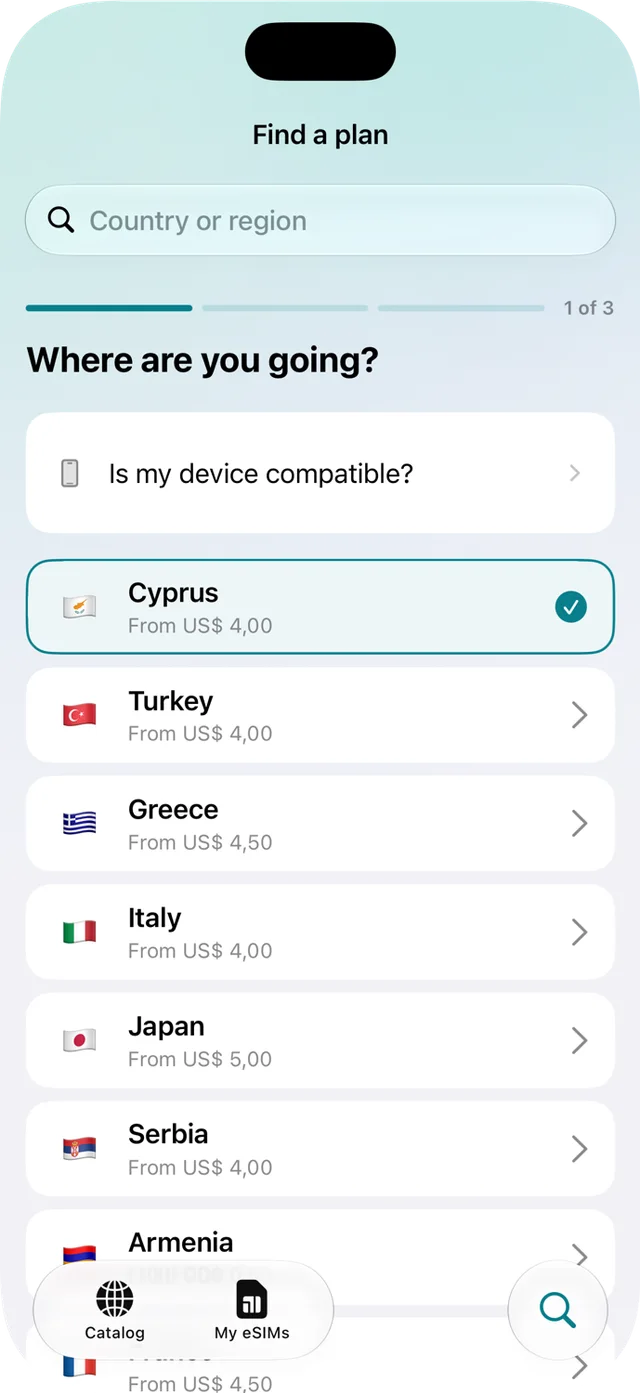
Choose your destination, trip length and data needs. Plan Finder helps you find a suitable option.
STEP 1 OF 4
Select the country you’re travelling to. Plan Finder uses your destination to find available options.
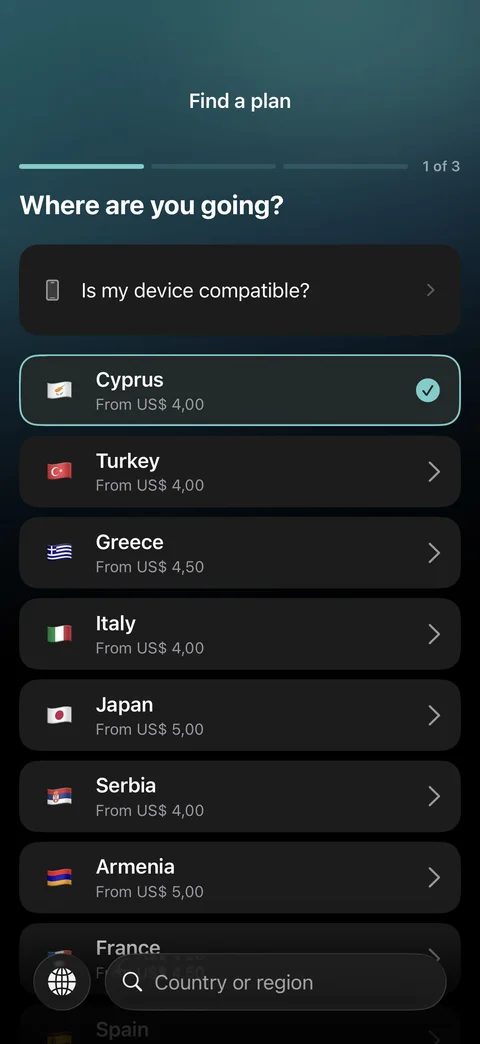
STEP 2 OF 4
Tell us how long you’ll be away to help find a plan with a suitable validity period.
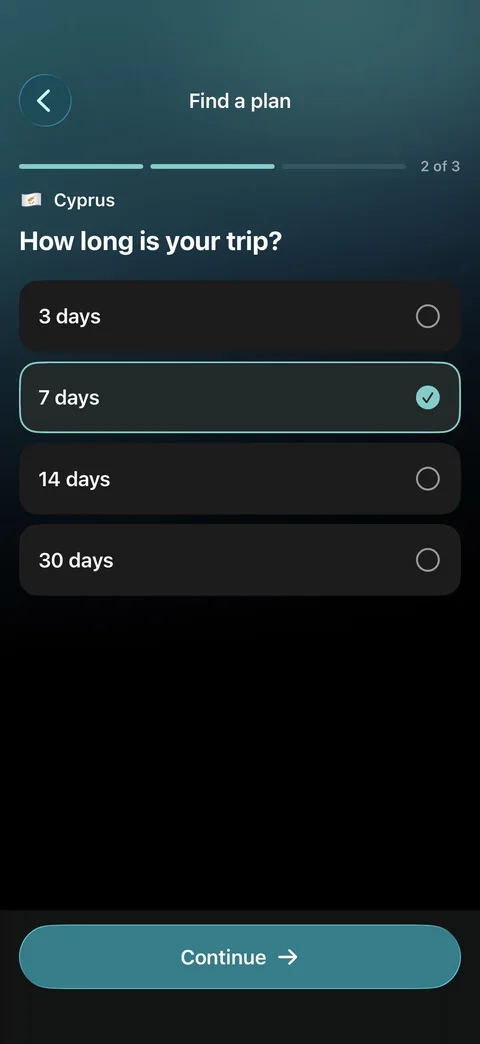
STEP 3 OF 4
Think about how you use your phone when travelling. Choose the usage level that fits your habits.
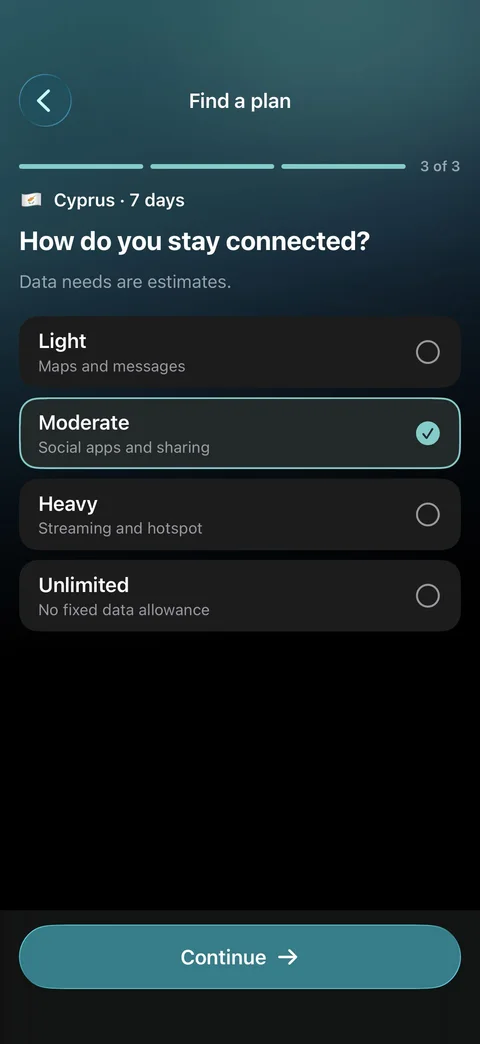
STEP 4 OF 4
Check the coverage, data allowance, validity and price before deciding which plan to buy.
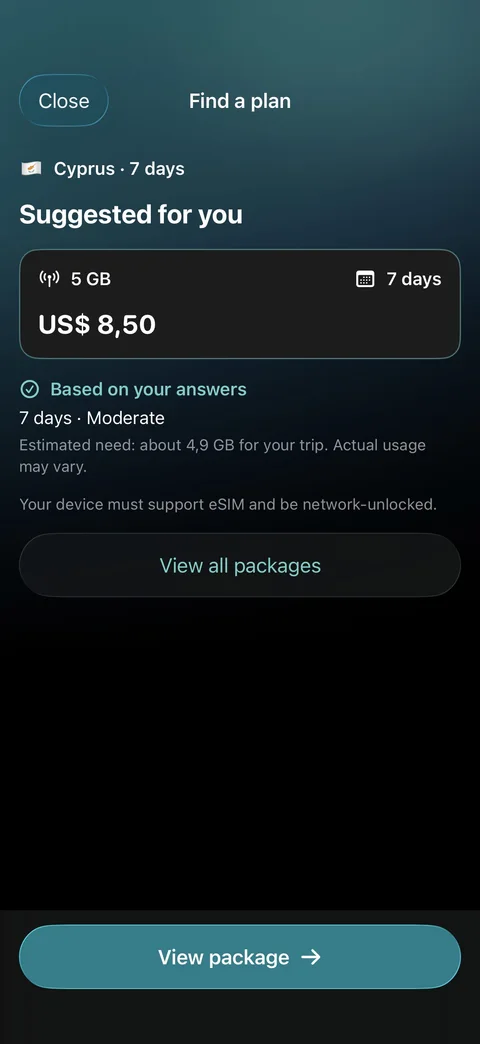
App preview with example data. Available plans, prices and conditions are shown in the app.
Choose by how you use your phone. Data estimates help guide your choice.
Review the allowance, validity and price before you decide to buy.
Install a digital eSIM on a compatible, carrier-unlocked iPhone.
From plan to connection
A little preparation before you travel. Your plan’s instructions guide the rest.
Check your plan’s coverage, data, validity and activation rule. Complete your purchase in the app.
Follow the eSIM installation instructions while connected to Wi-Fi or another internet connection.
Follow your plan’s activation instructions and select your travel eSIM for mobile data.
It must support eSIM and be unlocked by your carrier. Review both SIMs’ roaming settings before travelling.
Apple’s eSIM guidePlan validity may start at installation or at the first supported network connection. Check your plan before installing.
An eSIM is a digital SIM that you install on a compatible phone. A travel eSIM lets you use a mobile data plan in the destinations covered by that plan, without swapping a physical SIM card.
You need an eSIM-compatible iPhone that is not locked to a carrier. Support can vary by model and the country where you bought your phone. Check Settings → General → About for an EID and the Carrier Lock status. If you are unsure, confirm compatibility with Apple or your carrier before purchasing.
Plan Finder uses your destination, trip length and data preference to help you find a suitable option from the plans available in the app. It does not compare every provider on the market. Always review the allowance, validity and activation rules before purchasing.
You will need an internet connection to install it. Check your plan’s activation rule first: some plans start when the eSIM is installed, while others start when they first connect to a supported network. Follow the instructions for your specific plan.
On a compatible dual-SIM iPhone, you can keep your regular SIM enabled and select the travel eSIM for mobile data. Your regular carrier may still charge for calls, texts or roaming. Review your line settings and carrier charges before you travel.
Check the individual plan. Do not assume that a data plan includes a phone number, voice calls or SMS. Hotspot availability, supported networks and any fair-use or speed limits depend on the plan and network.
Top-up availability depends on the plan and is shown in the app when supported. If something goes wrong, contact us at contact@noteralabs.com with your order details. Refund requests are assessed according to the circumstances, activation and usage status, and applicable consumer rights. See our Terms & Conditions for details.
Read Terms & ConditionsWherever comes next
Find a travel data plan that feels like part of the journey.